Ten years ago, burning captions into a vertical video meant an hour in Premiere and a plugin. CapCut does it in about ninety seconds on a phone, for nothing. That gap is why it took over social video, and why serious editors keep it installed alongside tools that cost twenty times more.
Captions are the killer feature
Across thirty videos with three accents and a fair bit of background noise, auto-captions needed light correction — mostly names and technical terms. Styling them is one tap, animation presets are tasteful by default, and translation into another language takes seconds.
For anyone publishing shorts weekly, this alone justifies the download. Watch time on captioned social video is not a debate any more.
Editing feel
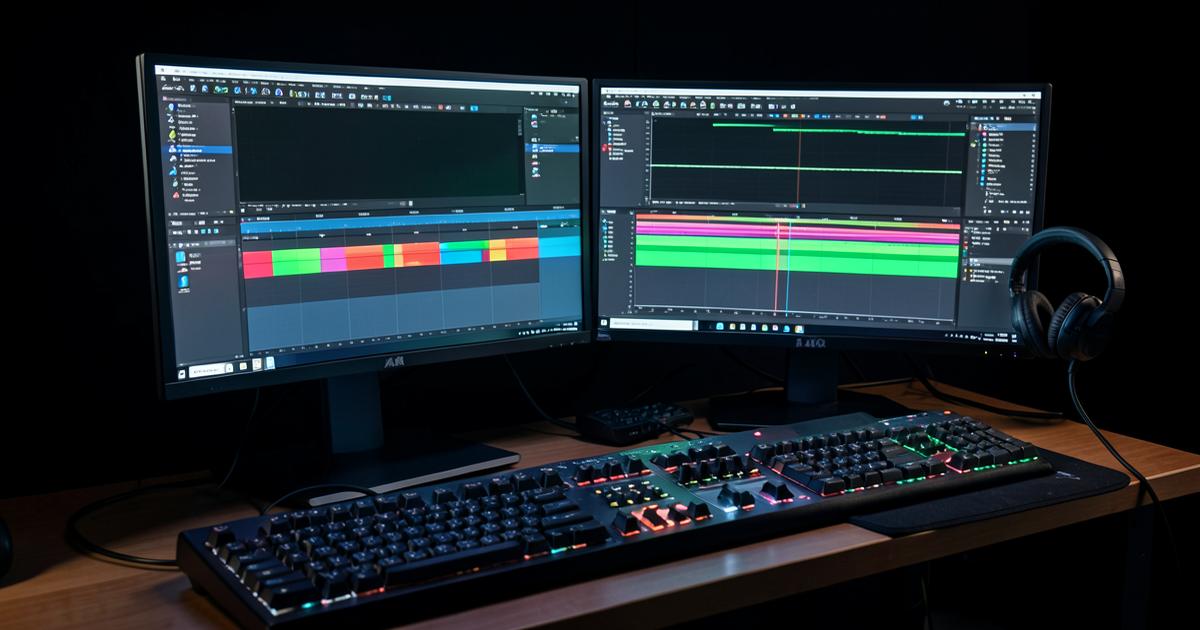
The timeline is finger-first but works well with a mouse on desktop. Trimming, speed ramps, keyframes and audio ducking are all there and none of them require a manual.
- Auto-cut removes silences convincingly on talking-head footage
- Background removal is clean on decent lighting, ragged on messy hair and low light
- Text-to-speech voices are usable for faceless channels, though the best ones are Pro
- Project sync between phone and laptop worked every time in testing
Where it stops being enough
Colour grading is basic, audio repair is minimal, and there is no serious node or track-based control. For client deliverables, broadcast specs or anything needing precise colour, this is a first-draft tool, not a finishing one. DaVinci Resolve remains the free editor for that work.
The Pro question
Ten dollars a month buys effects, voices, more cloud storage and faster exports. If CapCut is your main editing tool and you publish several times a week, it is easy money. If you edit occasionally, the free tier genuinely does the job — just expect to be asked about Pro roughly every session.
Verdict
The best free video editor for social content, full stop. Keep it for shorts, keep Resolve for anything that has to survive a client review, and read the terms if you are editing footage you do not own.