Review

DaVinci Resolve review: professional video editing, still free

The full version of a Hollywood colour suite costs nothing. The catch is not the price — it is the first fortnight.

Jonah ReyesUpdated July 29, 202610 min read
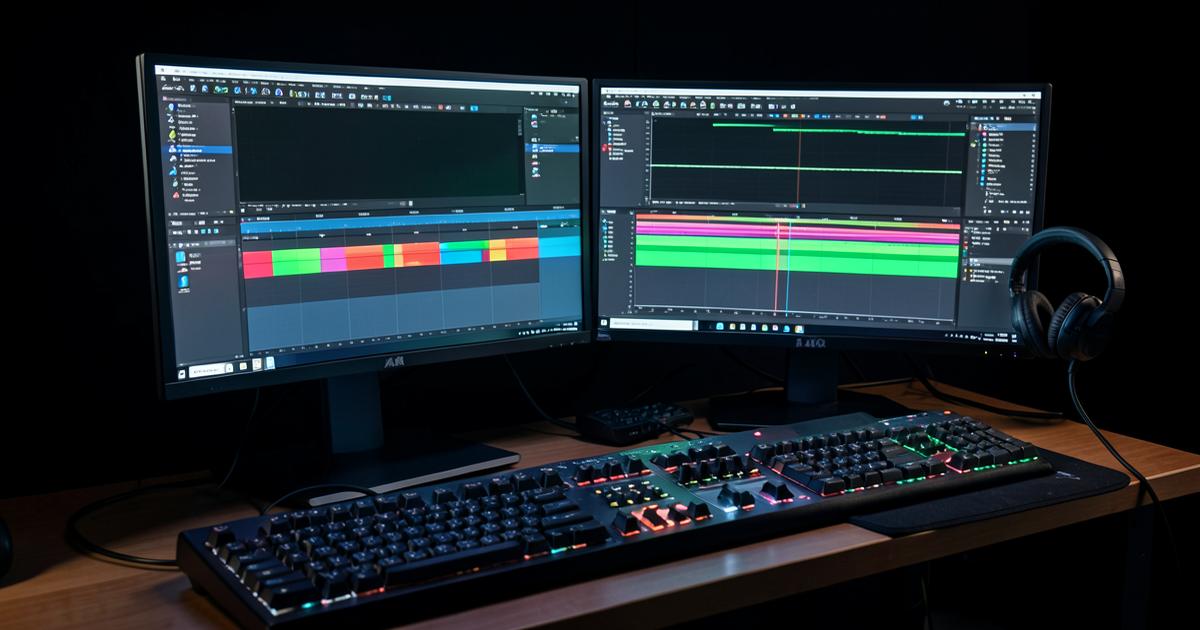
Colour grading suite with a video timeline and scopes on a large display
9.0

ExpertWhat Product

The most software anyone has ever given away. If you are willing to spend two weeks learning it, Resolve replaces an entire subscription stack — and its colour tools are better than anything else at any price.

Get startedFree · Studio $295 one-off

Reading about it only gets you so far. Start the free plan and see it work in under five minutes.

Blackmagic Design logo

Blackmagic Design

Free · Studio $295

Download free

We may earn a commission on purchases. It never affects our scores.

Pros

  • Free version is a genuine professional tool, not a demo
  • Colour page is the industry standard for good reason
  • Fairlight audio removes the need for a separate DAW
  • One-off $295 Studio licence instead of a subscription

Cons

  • Steep learning curve across seven separate pages
  • Demands a decent GPU and plenty of RAM
  • Some codecs and features are Studio-only

Blackmagic gives away a tool that grades feature films. That fact is so odd that people assume there must be a catch — a watermark, an export cap, a nag screen. There is not. The catch is that Resolve expects you to learn how a post-production facility works.

Seven pages, one workflow

Resolve splits work into pages: media, cut, edit, Fusion, colour, Fairlight, deliver. Once that clicks, it is a genuinely efficient way to work — you are never hunting for a colour tool inside an editing panel. Before it clicks, it is disorienting.

The Cut page deserves special mention for fast turnarounds: it is built for getting a rough edit out quickly and is the fastest way to assemble a talking-head video I have used.

Colour is the reason professionals are here

Node-based grading, proper scopes, tracking that actually holds, and HDR tools most people will never need. Nothing in the consumer or prosumer market comes close, and the free version includes almost all of it.

  • Primary and secondary correction with unlimited nodes
  • Power windows with reliable tracking
  • Colour management that keeps footage from mixed cameras consistent
  • Film emulation looks that do not require third-party plugins

Audio without leaving the app

Fairlight is a full digital audio workstation inside the editor. Dialogue levelling, noise reduction, EQ and mastering to broadcast loudness standards all happen without exporting anything. For a solo creator this removes a whole application from the workflow.

The hardware tax

Resolve wants a dedicated GPU. On a modest laptop, 4K timelines need proxies and patience. Budget the money you saved on the licence towards RAM and storage — that is where the real cost sits.

Verdict

Two weeks of learning buys you a professional post-production suite for nothing. For social clips, CapCut is faster. For anything you want to look properly finished, Resolve is the best value in creative software — and it is not close.

Specifications

PriceFree · Studio $295 perpetual licence
PlatformsWindows, macOS, Linux, iPad
Free export limitUp to 4K; some codecs Studio only
Recommended RAM16GB minimum, 32GB for 4K
GPUDedicated GPU strongly recommended
IncludedEdit, colour, Fusion VFX, Fairlight audio, delivery

How it compares

Scores from our own testing. Prices are launch RRP in USD.

DaVinci Resolve
9.0$0
Adobe Premiere Pro
8.9$23
Final Cut Pro
8.7$300

Frequently asked questions

#davinci resolve#video editing#colour grading#creative software
Share

Related reading

Laptop showing a text document on a wooden desk beside a notebook and coffee

Grammarly review: still worth paying for in 2026?

Elise Warner
8.4

I ran three months of client emails, two long reports and a 40,000-word manuscript through Grammarly Premium. It saved me from real embarrassment twice — and tried to flatten my voice about a hundred times.

Sign up for our newsletters

The best of independent tech reviews, in your inbox.


